September 8, 2026
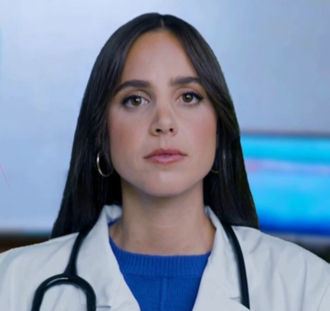
Upload a paper, a set of notes or a draft exam and work through it with Dr. Olivia the same way you would any other topic.
New features
Upload a document and work through it with Dr. Olivia. You can now hand Dr. Olivia a file — an assigned paper, a worksheet from a professor, your own notes, a set of practice questions — and go through it together. Use the Upload button in the avatar toolbar, or the paperclip beside the message box in the text chatbot.
PDFs and text files, up to 20 MB and 300 pages. She reads short files in full and searches longer ones as you go, telling you the page she's reading from so you can follow along in your own copy. In an audio session she says out loud when the file is ready, so you don't have to watch the screen.
Uploads stay available across sessions, so a paper you upload today is still there next week. You can delete any of them yourself at any time, and anything left is removed automatically after 180 days. Only you can see what you upload.
One thing worth knowing: a PDF that is a scan or a photo of a page has no text in it to read, only a picture of one. She'll say so directly rather than guessing at what it says — get a text-based copy where you can. Full detail in the Uploading Documents guide.
Faculty can upload too. Upload a draft exam, a syllabus, or a paper you're reviewing and ask about it the same way. Dr. Olivia will be direct about what she finds — an ambiguous stem, a distractor that doesn't work, a mismatch with the material it's meant to assess. Your files go on your own record; students never see them.