
Canvas Connector Live
Dr. Olivia is connected to your PHSU Canvas account. When you ask about a course, an assignment, a module, or a wiki page, she queries Canvas in real time using your own permissions — she sees exactly what you can see, nothing more.
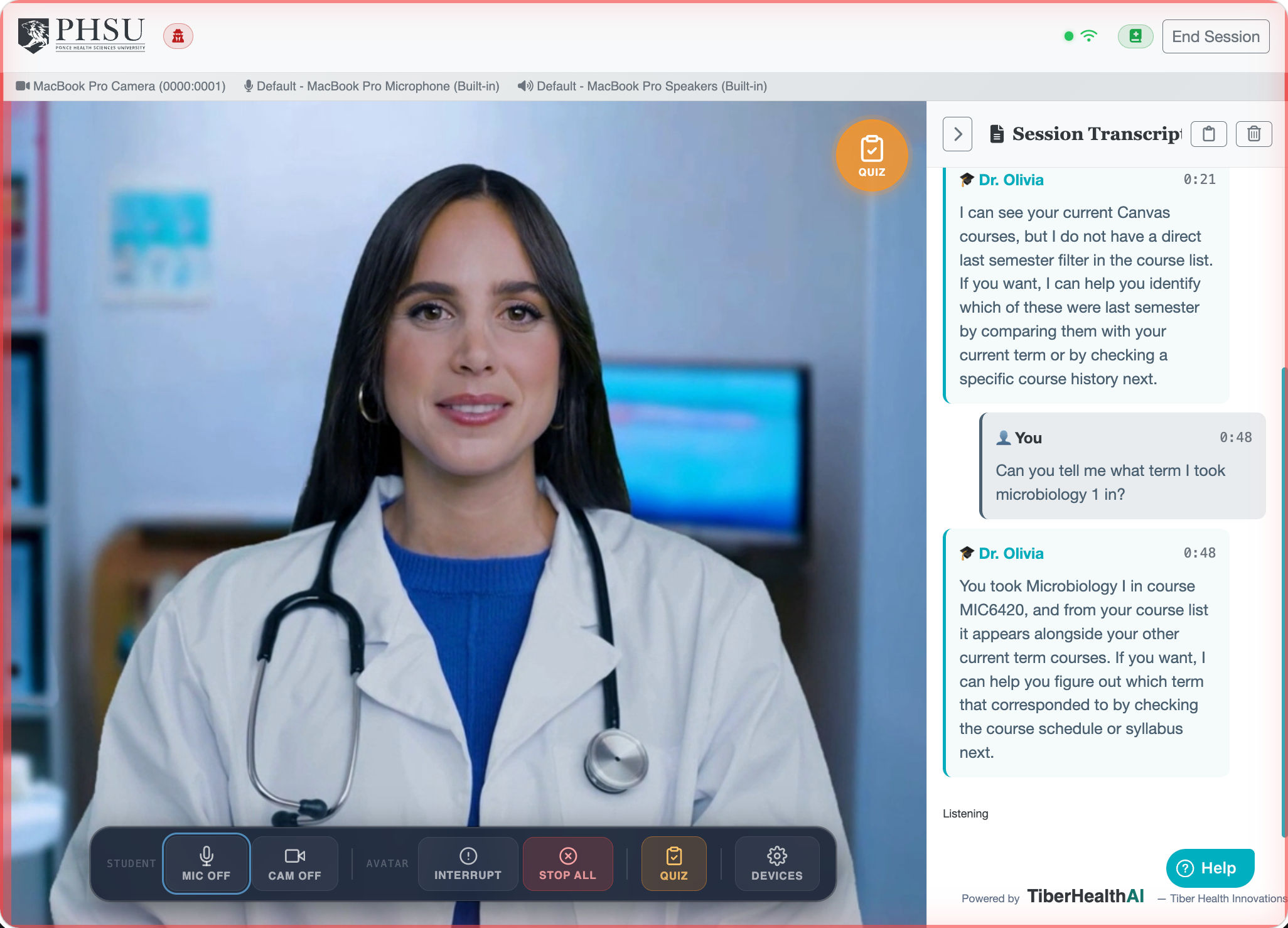
What Dr. Olivia Can Do With Canvas
| Tool | What it does |
|---|---|
| Course list | Lists your active enrollments. Used when you say "my courses" or "what classes am I in?" |
| Course modules & assignments | For a specific course, lists every module and the assignments inside, with module IDs so deeper drill-downs work. |
| Course module items | Drills into one module to list every item: pages, assignments, quizzes, files, external URLs. |
| Course page | Fetches the full body of a Canvas wiki page by URL slug, so Dr. Olivia can quote and reason about its content. |
| Assignment detail | Pulls a specific assignment's title, instructions, due date, and rubric. |
Things You Can Ask
- "What's due in Pharmacology this week?"
- "Read me the instructions for the Cardiology case study."
- "Open the ‘Renal Physiology Overview’ module and walk me through the readings."
- "What does the wiki page on diabetic nephropathy in Internal Med say about screening?"
- "List my upcoming assignments across all my courses."
Course materials vs. Canvas
Dr. Olivia has two different sources for course content:
- Canvas API — live queries for current assignments, due dates, module structure, and wiki pages. Always up-to-date.
- Course Materials — a pre-indexed library of lecture slides, video captions, and textbook excerpts. Best for "what did the lecturer say about X?" style questions.
How It Works (Behind the Scenes)
- You sign in with Canvas (see Signing In). Canvas issues a secure access token that lets Dr. Olivia read your courses, modules, pages, and assignments — nothing else.
- The token stays server-side — it never reaches the browser.
- When Dr. Olivia decides a Canvas lookup is needed, she uses your token to read Canvas exactly the way the Canvas web app would.
- The response is folded back into her reasoning and you get an answer that cites the actual content.
Permissions & Privacy
- Dr. Olivia sees only what you see in Canvas. If you can't access a course, neither can she.
- She does not write to Canvas — no submitting assignments, no posting in discussions, no editing pages. Read-only.
- Her access is limited to courses, modules, pages, and assignments. She cannot see grades, private messages, or your Canvas profile settings.
- You can revoke her access at any time from your Canvas account > Settings > Approved Integrations.
When Canvas Lookups Don't Work
| Symptom | What it usually means |
|---|---|
| "I couldn't find that in Canvas." | The exact name didn't match. Try the course code or instructor name. Canvas search is literal. |
| "I don't have access to that course." | Your enrollment may have ended (past semester) or you're not in the course. Check Canvas directly. |
| "My Canvas connection has expired — please sign in again." | Your Canvas access has been revoked or aged out. Sign out and back in to refresh it. |
Demo / Act-As mode
When an admin is impersonating a student via Act-As,
Canvas calls run with the impersonated student's enrollments — not the
admin's. This is intentional so the experience matches what the student would see.